


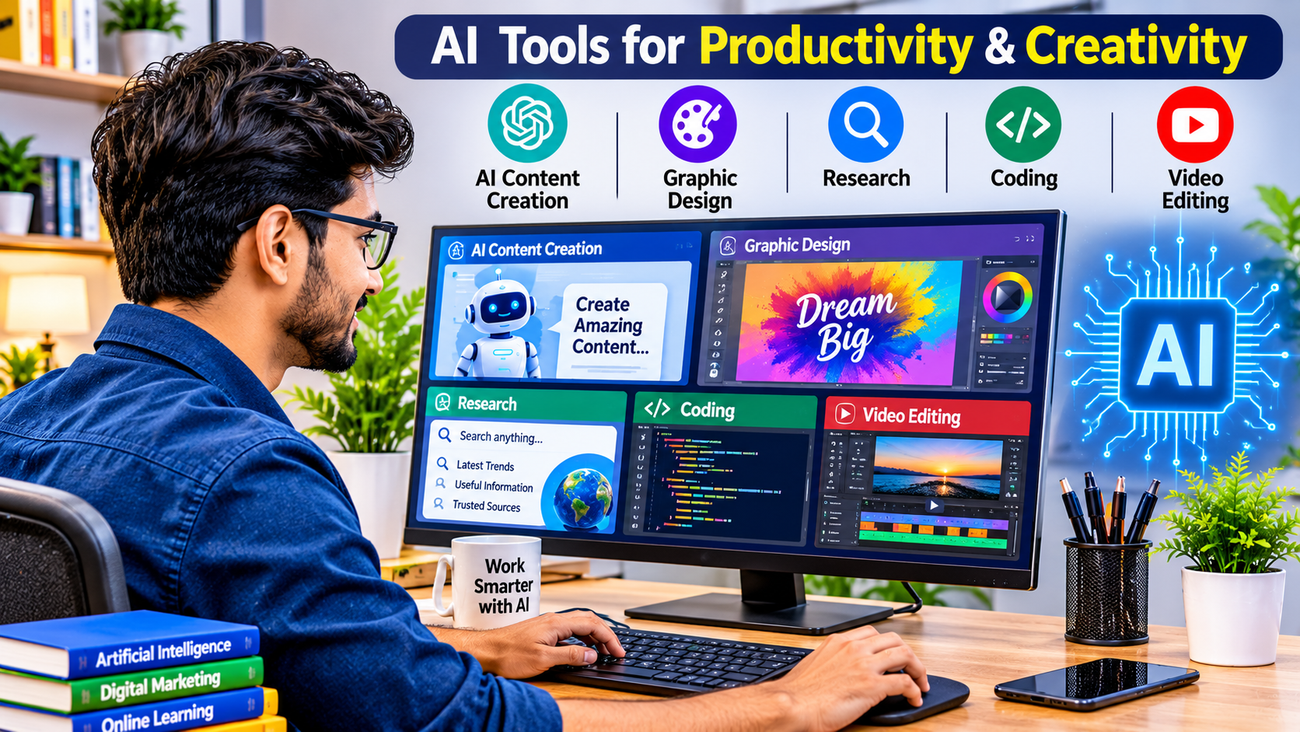
10 Best AI Tools for Beginners in 2026 to Boost ProductivityArtificial Intelligence (AI) is changing the way people work, study, communicate, and run businesses. From creating professional content to researching information and designing images, AI tools are helping people complete everyday tasks more efficiently.The best part is that you don’t need to be a technology expert or programmer to start using AI. Many modern AI tools are beginner-friendly and can be accessed through a web browser or mobile app.If you are looking for the best AI tools for beginners in 2026, this guide will introduce you to 10 useful tools that can help you save time, improve productivity, and develop valuable digital skills.Whether you are a student, job seeker, freelancer, content creator, or business owner, these AI tools are worth exploring.
1. ChatGPT – Your Everyday AI AssistantChatGPT is one of the most popular AI assistants for everyday tasks. It can help users write emails, generate ideas, explain difficult topics, prepare study notes, create content, and solve problems.Beginners can simply type a question or instruction in natural language and receive a response.Best Uses:- Writing emails and articles.- Generating creative ideas.- Learning new subjects.- Preparing social media content.- Understanding complex topics.Why Beginners Should Try It: ChatGPT is a useful starting point for anyone who wants to understand how AI assistants work.
2. Google Gemini – AI for Learning and ProductivityGoogle Gemini is an AI assistant that can help with research, writing, brainstorming, learning, and other everyday activities.It is useful for people who want help understanding information and organising their work.Best Uses:- Generating ideas and explanations.- Summarising information.- Helping with writing tasks.- Exploring creative concepts.- Supporting everyday productivity.Why Beginners Should Try It: Its conversational interface makes it easier to explore AI without advanced technical knowledge.3. Claude AI – Smart Writing and Document AssistanceClaude is an AI assistant that can help users work with text, understand documents, organise information, and improve written communication.It can be especially useful for students, professionals, and people who regularly work with lengthy documents.Best Uses:- Drafting and improving written content.- Summarising long documents.- Organising research notes.- Brainstorming ideas.- Reviewing written material.Why Beginners Should Try It: It offers a convenient way to improve writing and understand complex information.
4. Canva AI – Create Professional Designs EasilyCanva is a popular graphic design platform with AI-powered features that help beginners create attractive visual content.You do not need professional graphic design experience to start creating posters, presentations, social media graphics, and marketing materials.Best Uses:- Creating Instagram posts.- Designing YouTube thumbnails.- Making presentations.- Creating promotional posters.- Preparing marketing graphics.Why Beginners Should Try It: It makes visual content creation more accessible to people without design experience.
5. Perplexity AI – Research and Discover InformationPerplexity is an AI-powered search and research assistant. It helps users explore questions and discover information with links to supporting sources.It can be useful when you want to research a topic and investigate the references behind an answer.Best Uses:- Researching new topics.- Exploring industry trends.- Finding supporting references.- Comparing information.- Preparing research notes.Why Beginners Should Try It: It encourages users to explore information and check the sources behind AI-generated answers.
6. Grammarly – Improve Your English WritingGrammarly is a writing assistant that helps users improve grammar, spelling, clarity, and tone.It can be particularly useful for students, job seekers, professionals, and people who communicate in English.Best Uses:- Checking grammar and spelling.- Improving email writing.- Making sentences clearer.- Reviewing professional documents.- Improving written communication.Why Beginners Should Try It: It helps users develop better English writing habits.
7. Microsoft Copilot – AI Assistance for Everyday WorkMicrosoft Copilot provides AI assistance for tasks such as answering questions, generating ideas, and supporting productivity.Depending on the version and subscription, it can also work alongside Microsoft productivity applications.Best Uses:- Generating ideas.- Summarising information.- Supporting document-related tasks.- Preparing presentations.- Improving workplace productivity.Why Beginners Should Try It: It is worth exploring if you regularly use Microsoft products for work or study.
8. NotebookLM – Learn from Your Own DocumentsNotebookLM is an AI-powered research and learning assistant from Google. It helps users work with information from their uploaded source materials.It can be especially useful for students, researchers, and professionals who need to understand lengthy documents.Best Uses:- Understanding study materials.- Summarising documents.- Exploring uploaded sources.- Preparing revision notes.- Asking questions about your documents.Why Beginners Should Try It: It can make learning from large collections of documents easier.
9. GitHub Copilot – AI Assistance for CodingGitHub Copilot is an AI coding assistant designed to help developers write, understand, and improve code.It can provide code suggestions and assist with programming tasks.Best Uses:- Generating code suggestions.- Understanding programming concepts.- Writing repetitive code.- Exploring programming solutions.- Supporting software development.Why Beginners Should Try It: It can help aspiring programmers understand how AI supports modern software development. However, beginners should always review and test generated code.
10. CapCut – AI-Powered Video EditingCapCut is a video editing platform with AI-powered features that can help creators produce engaging video content.It is useful for people who want to create short videos for social media platforms.Best Uses:- Editing YouTube Shorts.- Creating Instagram Reels.- Adding captions and subtitles.- Improving video presentation.- Preparing promotional videos.Why Beginners Should Try It: It provides an accessible starting point for people interested in video creation and social media marketing.How to Choose the Best AI Tools for BeginnersWith so many AI tools available, choosing the right one can feel confusing. Instead of trying everything at once, start with tools that match your personal or professional needs.Here are some simple recommendations:Your Goal| Recommended AI ToolWriting and brainstorming| ChatGPTLearning and general assistance| Google GeminiLong-form writing| ClaudeGraphic design| CanvaOnline research| PerplexityEnglish writing| GrammarlyWorkplace productivity| Microsoft CopilotStudying documents| NotebookLMProgramming| GitHub CopilotVideo editing| CapCutRemember that free access, usage limits, and available features may vary. Check the official websites for the latest details before choosing a subscription.How to Start Learning AI as a BeginnerYou do not need to learn everything about Artificial Intelligence in one day. Follow these simple steps:Step 1: Understand the BasicsLearn what Artificial Intelligence is and how AI-powered applications work.Step 2: Start with One AI ToolChoose an easy-to-use tool such as ChatGPT or Gemini and explore its features.Step 3: Practise with Real TasksTry writing an email, preparing a study plan, creating social media content, or researching a topic.Step 4: Learn Prompt WritingA prompt is the instruction you give to an AI tool. Clear instructions usually help you get more useful results.Step 5: Explore More AI SkillsOnce you are comfortable with basic AI tools, explore image generation, video creation, automation, and digital marketing.Step 6: Build Practical ProjectsUse your knowledge to create something useful, such as a presentation, marketing campaign, blog article, or simple automation workflow.Benefits of Learning AI Tools in 2026Learning how to use AI tools can provide several practical benefits:- Save Time: Complete certain repetitive tasks more efficiently.- Improve Productivity: Organise information and manage work more effectively.- Develop Digital Skills: Become more comfortable with modern technologies.- Support Creativity: Generate ideas and explore new approaches.- Improve Learning: Understand difficult topics with AI assistance.- Support Business Activities: Explore content creation, research, and workflow automation.AI tools are useful assistants, but they are not perfect. Always verify important information, protect personal data, and use AI responsibly.Frequently Asked Questions (FAQs)1. What are the best AI tools for beginners in 2026?Some useful beginner-friendly AI tools include ChatGPT, Google Gemini, Claude, Canva, Perplexity, Grammarly, Microsoft Copilot, NotebookLM, GitHub Copilot, and CapCut.2. Can I use AI tools without coding knowledge?Yes. Many AI tools are designed for everyday users and do not require programming knowledge. You can interact with them using simple written instructions.3. Are there free AI tools for beginners?Several AI platforms offer free versions or limited free access. However, some advanced features may require paid subscriptions.4. How can students benefit from AI tools?Students can use AI tools to understand concepts, organise study materials, prepare revision notes, improve writing, and explore research topics. They should follow their institution’s academic integrity rules.5. Can AI tools help small business owners?Yes. AI tools can assist with content creation, customer communication drafts, marketing ideas, research, and productivity. Important business decisions should still involve human judgement.Final ThoughtsArtificial Intelligence is becoming an important part of modern digital life. You do not need to be an expert to benefit from it. Start with one beginner-friendly AI tool, practise regularly, and gradually explore more advanced features.The most valuable step is not simply knowing the names of AI tools but learning how to use them effectively in real-life situations.Start learning today, practise consistently, and prepare yourself for the opportunities of tomorrow!